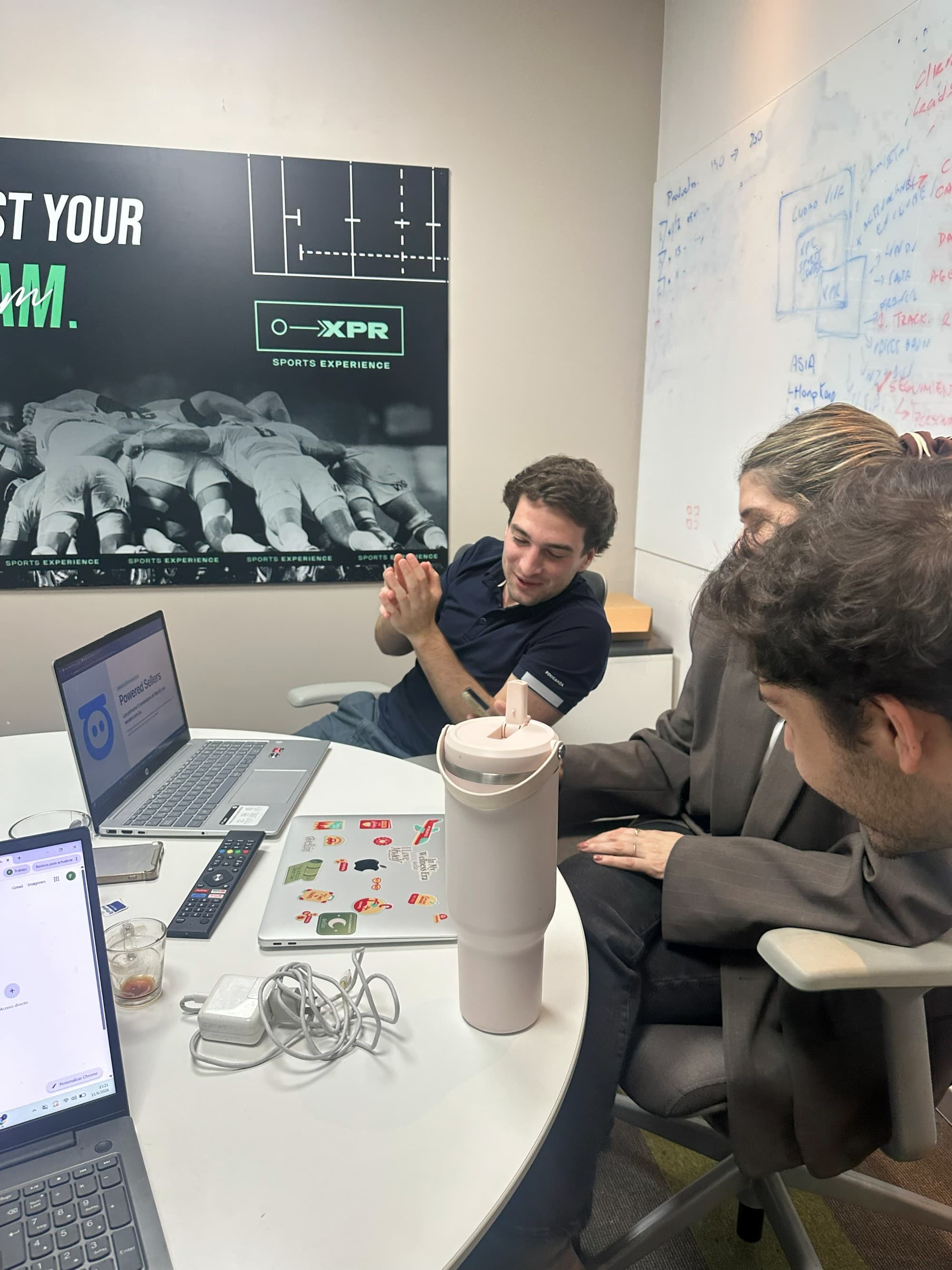
Meta Business Partner · Multi-agent WhatsApp
Multi-agent WhatsApp for several sales reps, with an AI Sales Manager
Each rep answers from their own phone. Once the enquiry moves to their WhatsApp, I stop seeing what happens: I don't know whether they replied, whether the customer is still waiting or what was left pending.
LIA connects your company's WhatsApp Business number or each rep's number in one place. Every enquiry is recorded as a lead with its owner, qualified by purchase intent, and the manager sees what is happening with each one without reading every chat.

One WhatsApp number for the whole team, or each rep's own number
LIA is a Meta Business Partner and connects to WhatsApp Business in two ways. The company picks one or combines both; in either case, every enquiry is recorded as a lead with its owner.
One corporate number shared by several sales reps
The company's number is connected to LIA through the WhatsApp Business API. Several reps answer from that same number, each with their own user, and every conversation is assigned to whoever handles it. The customer sees a single company WhatsApp.
Each rep's individual number
Each rep keeps their number and connects it to LIA. Conversations on those numbers are recorded just like the corporate one: with their lead, their owner and their last activity, visible to the manager.

In both cases recording is automatic: nobody has to create the lead or log the conversation. If you want to keep your current number and continue using the WhatsApp Business app, that is reviewed during implementation according to each company's setup.
What happens when an enquiry comes in
From the moment a customer writes until a rep handles it, LIA does four things without anyone entering anything by hand.
Automatic recording
The enquiry is recorded as a lead with the contact's details, the channel it came through and the full conversation.
Qualification by purchase intent
LIA reads the conversation and qualifies the lead as hot, warm or cold, so the team handles what matters first.
Routing to the owner or to the lead pool
Depending on the company's configuration, the lead goes to the rep in charge or to a lead pool from which authorised reps take opportunities.
Full history for whoever receives it
The rep receives the conversation and the contact's history, and continues the exchange with context from the very first message.
The full journey of a WhatsApp lead inside LIA is in AI WhatsApp CRM.
What the manager sees without opening each conversation
LIA organises the activity of the connected numbers by rep. The manager checks each team member's situation without reading their chats.
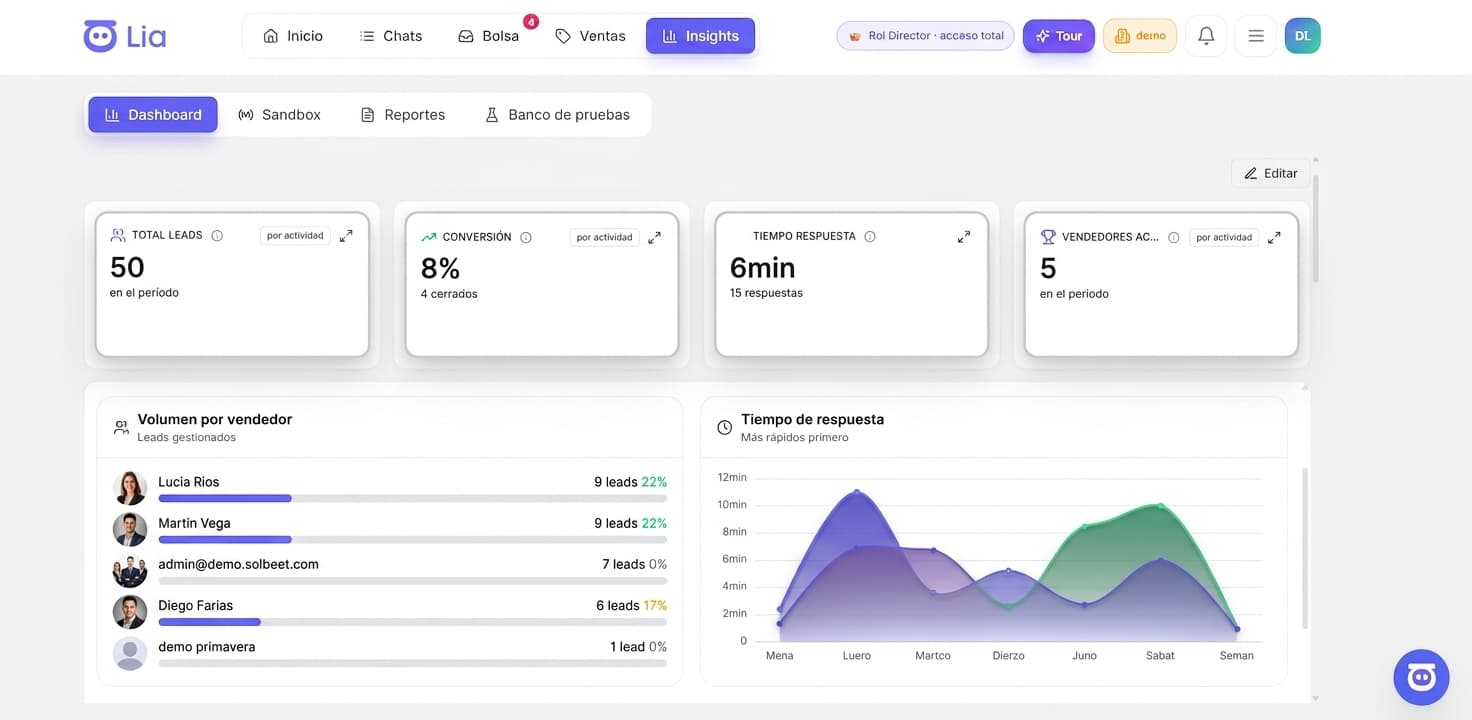
Leads per rep
How many opportunities each team member is in charge of, what stage they are at and which channel they came from.
Last activity
When the last interaction with each lead happened and who had it, to tell an active conversation apart from a stalled one.
Opportunities without a reply
Leads waiting for an answer or past the inactivity time the company defined. LIA flags them and recommends what to work on first.
Pending follow-ups
Scheduled re-contacts and next actions that have not been done yet, by rep and by lead.
Supervision in detail, with what LIA automates and what a person decides, is in sales rep follow-up with AI.
When a rep does not reply
When a lead goes past the inactivity time defined by the company, LIA detects it. What follows depends on the configured rules: they are alternatives each company combines, not a mandatory sequence.
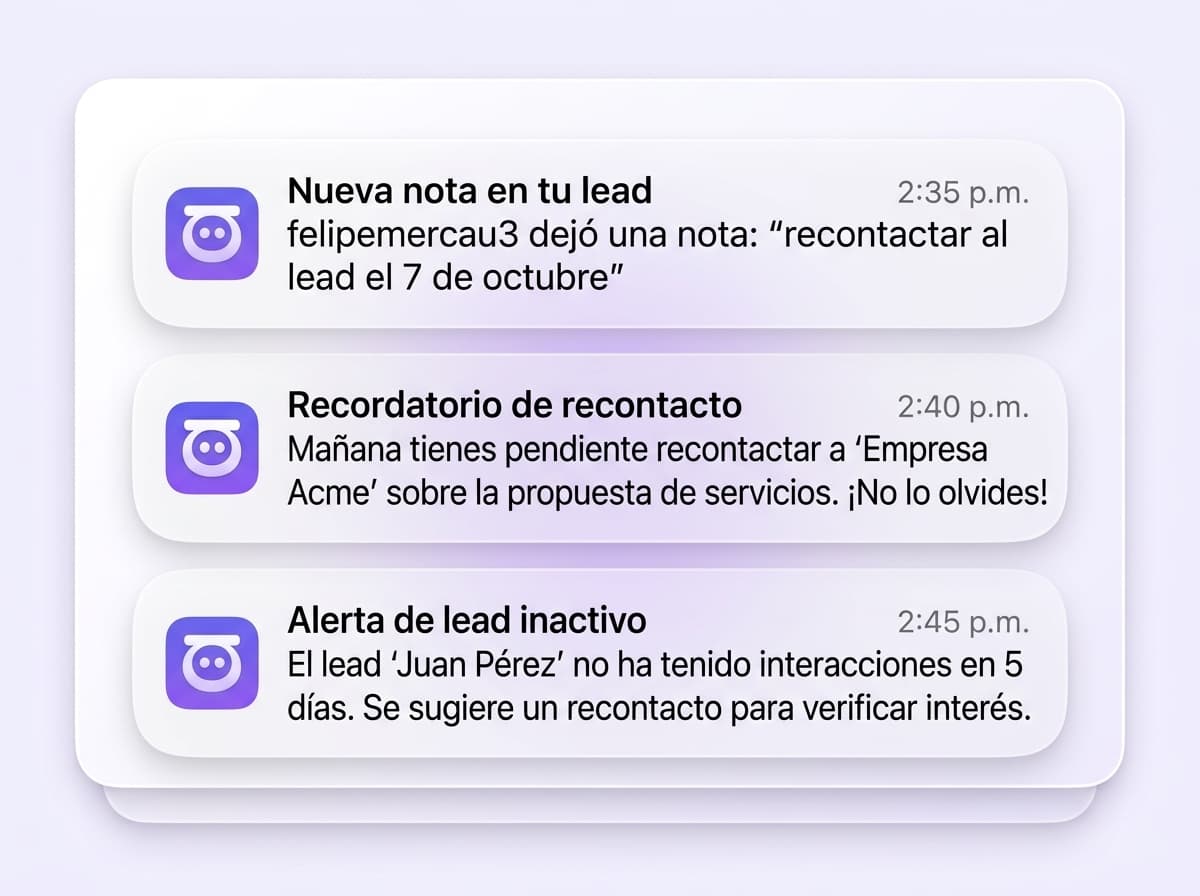
Notice to the rep
LIA can notify the rep in charge that a lead is waiting, with the context of the conversation, so they pick it up again.
Escalation
If the lead is not picked up within the configured period, LIA can escalate the case to the supervisor or manager so they decide how to proceed.
Reassignment
When the rule calls for it, LIA can reassign the lead to another rep or to the lead pool, with the full conversation and history.
Automatic re-contact
LIA can write to the customer to pick the opportunity back up, according to what the company configured for that case.
The company defines which actions are enabled and with what timing. LIA executes what is configured and keeps a record of what it did.
To re-contact a group of leads at once, LIA uses AI WhatsApp campaigns segmented with the same information.
Multi-agent without paying for each rep
LIA starts at USD 150 per month on a monthly subscription. The price depends on the volume of managed conversations, not on how many people answer.
No charge per user, rep or channel
You can connect the whole sales team and every number you use. The number of reps or connected channels does not change the price.
Every module included
Omnichannel inbox, lead qualification, assignment, follow-up and real-time reports, with a limit on managed conversations per plan.
Meta Business Partner, implementation in 1 to 2 weeks
The WhatsApp Business integration is official. Implementation has no fee and is guided by an engineer from the LIA team.
Module details and pricing are in LIA modules and pricing.
Frequently asked questions about multi-agent WhatsApp
We run ads and get lots of enquiries on WhatsApp and Instagram, and the team wastes time on spam: which tool brings all the chats into one place?
LIA brings WhatsApp, Instagram, Facebook and web together in a single omnichannel inbox: every enquiry arriving through a connected channel is recorded as a lead in the same place, with its conversation and its owner. It also qualifies each lead's purchase intent from the conversation (hot, warm or cold), so the team handles what matters first and spends less time on enquiries that go nowhere.
Can I use a single WhatsApp number for several sales reps?
Yes. The company's number is connected to LIA through the WhatsApp Business API and several reps answer it at the same time, each with their own user. Every conversation is assigned to whoever handles it, with its history, and the manager sees each rep's portfolio. The customer keeps seeing a single company number.
Can I keep using each rep's own number?
Yes. Individual numbers are also connected to LIA and their conversations are recorded just like the corporate number's: every enquiry becomes a lead with its owner and its last activity. You can combine both ways, for example a central number for new enquiries and each rep's number for the portfolio they already have. If you want to keep the number and continue using the WhatsApp Business app, that is reviewed during implementation.
Does LIA read my reps' conversations?
LIA reflects what happens in the numbers and channels the company connected: it records the conversations on those channels, qualifies them and organises activity by rep so the manager supervises without opening each chat. It reaches nothing outside those channels: a personal number that was not connected, a call or an unrecorded visit stay out, unless they are logged in the system.
We show you how it would work with your team
In a demo we review how many reps you have, whether a shared number, individual numbers or both suit you, and which follow-up rules you need. No implementation fee.
See how it would work with my team