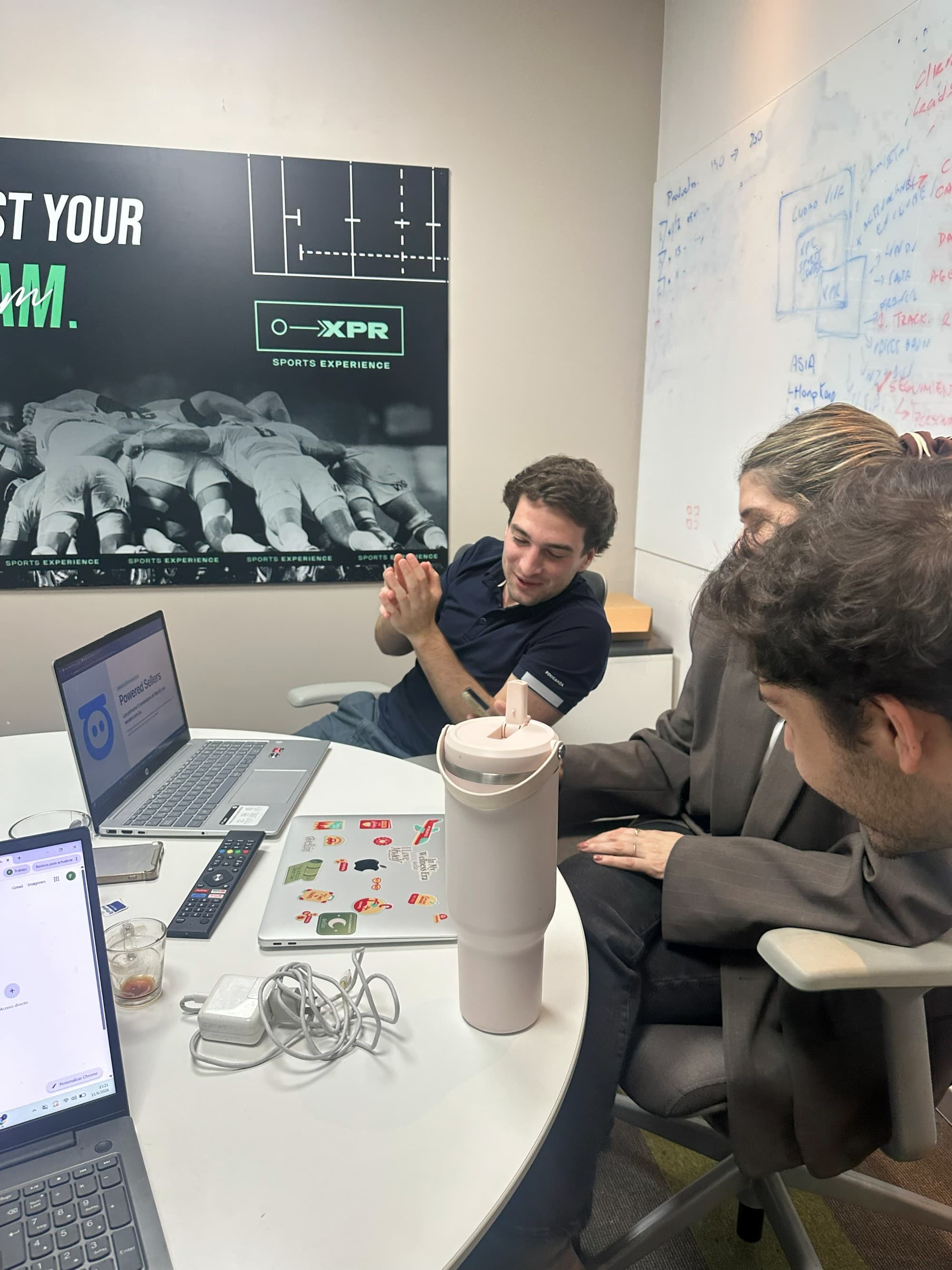
AI Sales Manager · Team supervision
Sales rep follow-up with AI
LIA records leads from WhatsApp and the other connected channels, supervises each rep's activity and acts when an opportunity is left without follow-up, according to the rules your company defines. The manager sees what each team member is handling and where to step in, without depending on the team logging everything by hand.

Supervise several sales reps without reading every conversation
As the team grows, the manager stops seeing the whole operation: which leads each rep has, which ones have gone days without a reply and which follow-ups are still pending. Reviewing conversations one by one does not scale, and asking the team to log every interaction in a spreadsheet or a CRM depends on them actually doing it.
LIA solves this from the activity recorded in the connected channels. Every enquiry that reaches a connected number or channel is recorded as a lead with its conversation, its owner and its last activity. With that information, LIA supervises follow-up, identifies the opportunities that need attention and executes or recommends actions according to the configured rules. Supervision covers what happens in the channels connected to LIA.
To see the full journey of a WhatsApp lead inside LIA, go to WhatsApp CRM with AI and an AI Sales Manager.
What you can supervise for each sales rep
LIA organises the activity of the connected channels by rep, so the manager checks each team member's situation without opening their conversations.
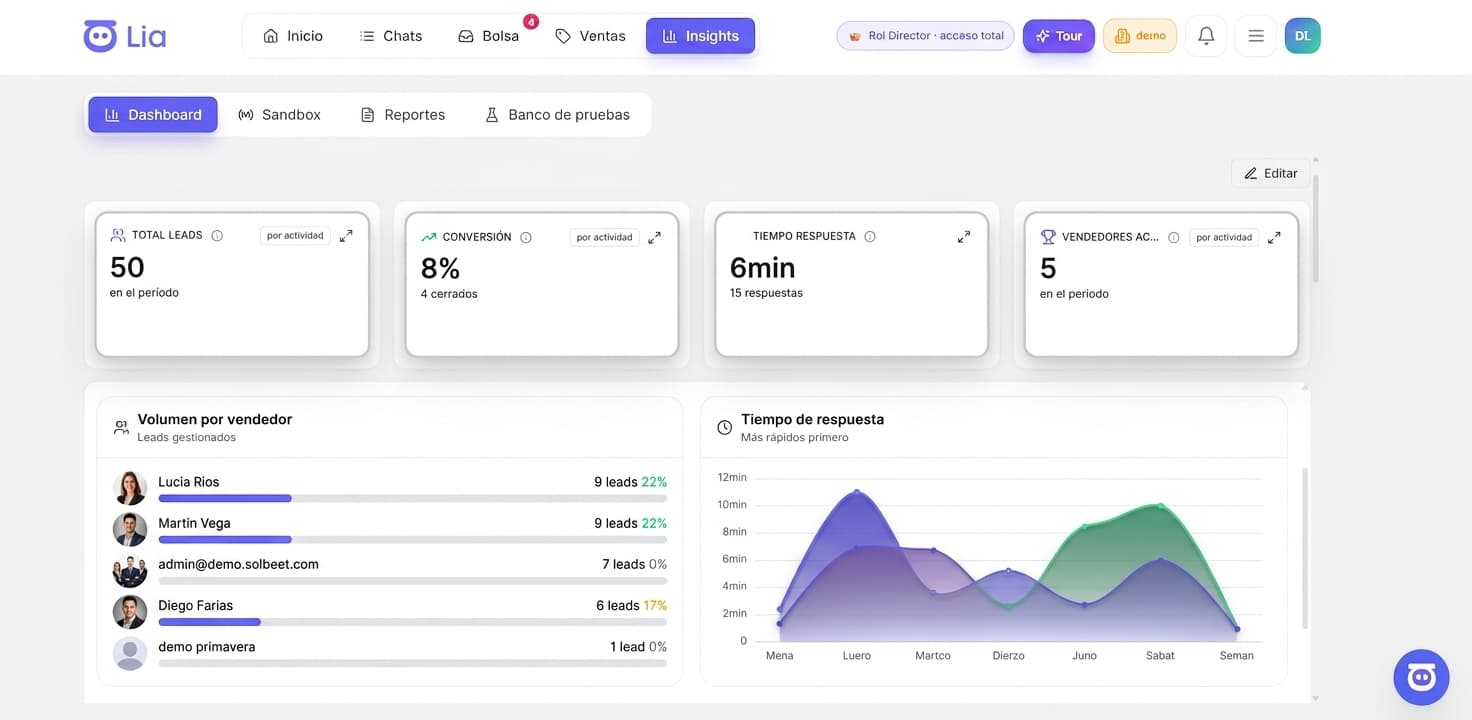
Assigned leads
Each rep's portfolio: which opportunities they are in charge of, what stage they are at and which channel they came from.
Last activity on each lead
When the last recorded interaction with each opportunity happened and who had it, to tell a lead in conversation apart from one that has stalled.
Opportunities that need attention
Leads that exceeded the inactivity time defined by the company or were left without a reply. LIA identifies them and recommends what to work on first.
Pending follow-ups
The re-contacts and next actions that were scheduled and have not been carried out yet, by rep and by lead.
Historical performance
Response times, follow-up compliance and each rep's evolution over time, based on the recorded activity. This information also feeds the assignment recommendations, where a person makes the decision.
How LIA acts on a lead without follow-up
When an opportunity exceeds the inactivity time defined by the company, LIA detects it. What happens next depends on the configured rules: they are alternatives that each company combines according to its operation, not a mandatory sequence.
Detection
LIA identifies the lead with no activity, flags it as an opportunity that needs attention and shows it to the manager alongside the rest of the rep's portfolio.
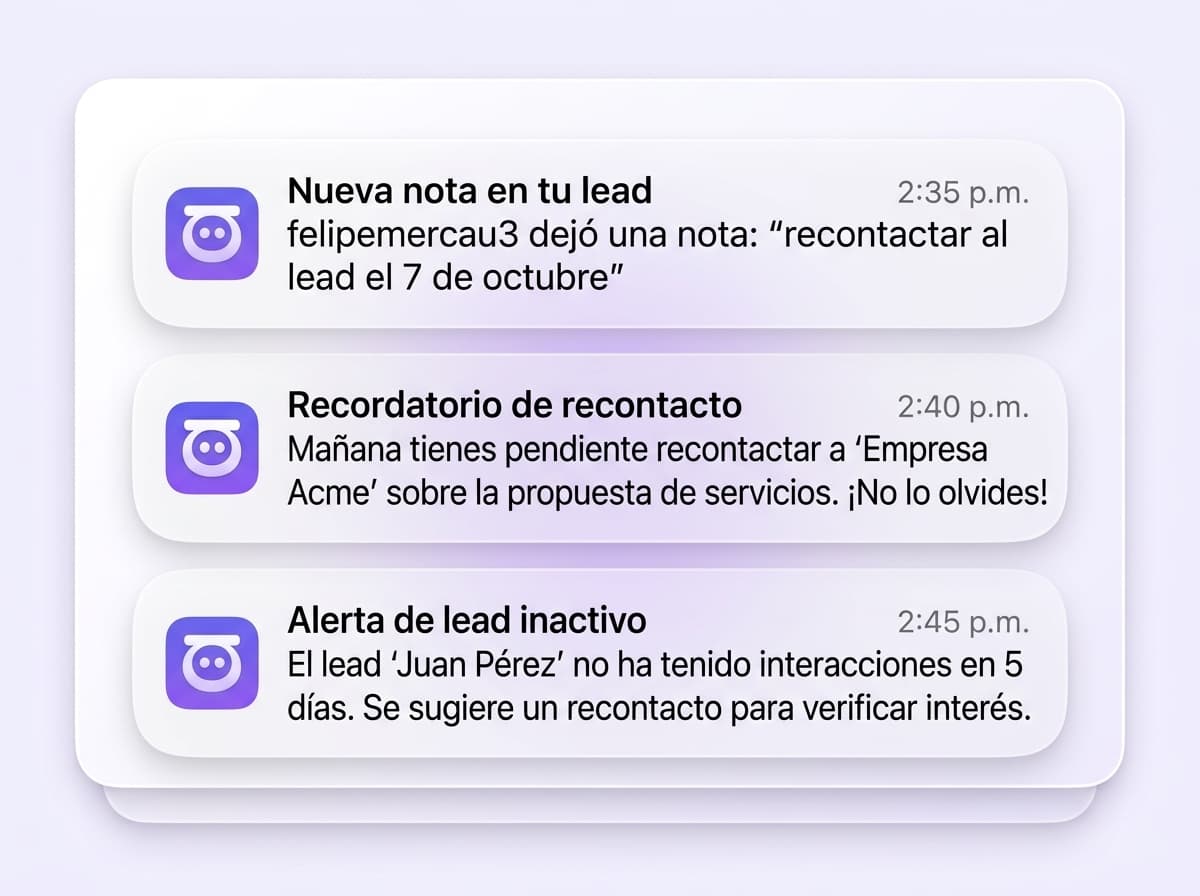
Notice to the rep
LIA can notify the rep in charge that they have a pending lead, with the context of the conversation, so they can pick it up again.
Escalation
If the lead is not picked up within the configured period, LIA can escalate the case to the supervisor or manager so they decide how to proceed.
Reassignment
When the rule calls for it, LIA can reassign the lead to another rep or to a lead pool. The new owner receives the full conversation and history to continue with context.
Automatic contact with the customer
LIA can re-contact the customer automatically to pick the opportunity back up, according to what the company has configured for that case.
Each company defines which actions are enabled, in what order and with what timing. LIA executes what is configured and keeps a record of what it did.
To re-contact a group of leads at once, for example those with weeks of no activity, LIA uses AI WhatsApp campaigns segmented with the same information.
What LIA automates and what a person decides
LIA executes the actions the company configured as rules. When the recommendation is based on the reps' historical performance, the decision belongs to a person.
| Situation | What LIA does | Who decides |
|---|---|---|
| A lead exceeds the configured inactivity time | Detects it and flags it as an opportunity that needs attention | LIA, according to the rule |
| Notice, escalation, reassignment or re-contact on a lead without follow-up | Executes the action the company enabled for that case | LIA, according to the configured rule |
| Routing a new lead to the rep in charge or to the lead pool | Applies the defined sales configuration | LIA, according to the configured rule |
| Recommending which rep could best handle an opportunity | Analyses historical performance and recommends | A person makes the assignment decision |
| What to work on first within the portfolio | Prioritises and recommends based on the recorded activity | The rep or the manager |
Illustrative example: a team of 25 sales reps
Fictional example. It does not correspond to a real customer, and the 24-hour threshold is only one possible setting: each company defines its own.
A company with 25 sales reps connects its WhatsApp numbers to LIA. Juan, one of them, has 14 assigned leads. Five of those leads have gone more than 24 hours without recorded activity in the connected channels.
If the company set 24 hours as the maximum inactivity time, LIA detects those five cases, flags them as opportunities that need attention and shows them to the manager within Juan's portfolio, together with the last activity on each one.
What happens next depends on the agreed rules. LIA can notify Juan that he has five pending leads; if they are not picked up within the defined period, it can escalate the case to the supervisor, reassign those leads to another rep or to the lead pool with the full conversation and history, or re-contact the customers automatically. Which of these happens, and in what order, is what the company configured.
Frequently asked questions about sales rep follow-up with AI
Do sales reps have to log leads and interactions manually?
No. When a customer writes to a connected number or channel, LIA records the enquiry and organises the contact's details and conversation. The last activity and the owner are updated from what happens in those channels, without the rep having to create the lead or note down every interaction.
Can I use sales rep follow-up if I already have a CRM?
Yes. LIA can complement your company's CRM as an AI Sales Manager: it supervises the activity of the connected channels, detects opportunities without follow-up and executes or recommends actions according to the configured rules. Synchronisation with your CRM is done via API or webhooks, with a scope that depends on that system's capabilities and permissions.
What is the scope of supervision?
Supervision reflects the information available in the channels connected to LIA: WhatsApp, Instagram, Facebook, web forms and email, depending on what each company connects. What happens outside those channels, such as a call or an unrecorded visit, is not part of the activity LIA can supervise, unless it is logged in the system.
To see how LIA integrates with the system you already have, visit AI CRM Booster.
We look at your operation and show you how it would work
In a demo we review how many sales reps you have, which channels they use and which follow-up rules you need. No implementation fee.
See how it would work in my company