 Sellink
 Laguzzi accounting firm
Integration · Google Calendar
Google Calendar integration: meetings with leads, inside your follow-up
LIA integrates with each sales rep's Google Calendar. It sees scheduled meetings and shows them next to the lead, alerts before every meeting, schedules the ones coordinated with a lead and counts each sales rep's meetings in the manager's reports.

What LIA does with Google Calendar
The manager knows which meetings each sales rep has without asking for their calendar.
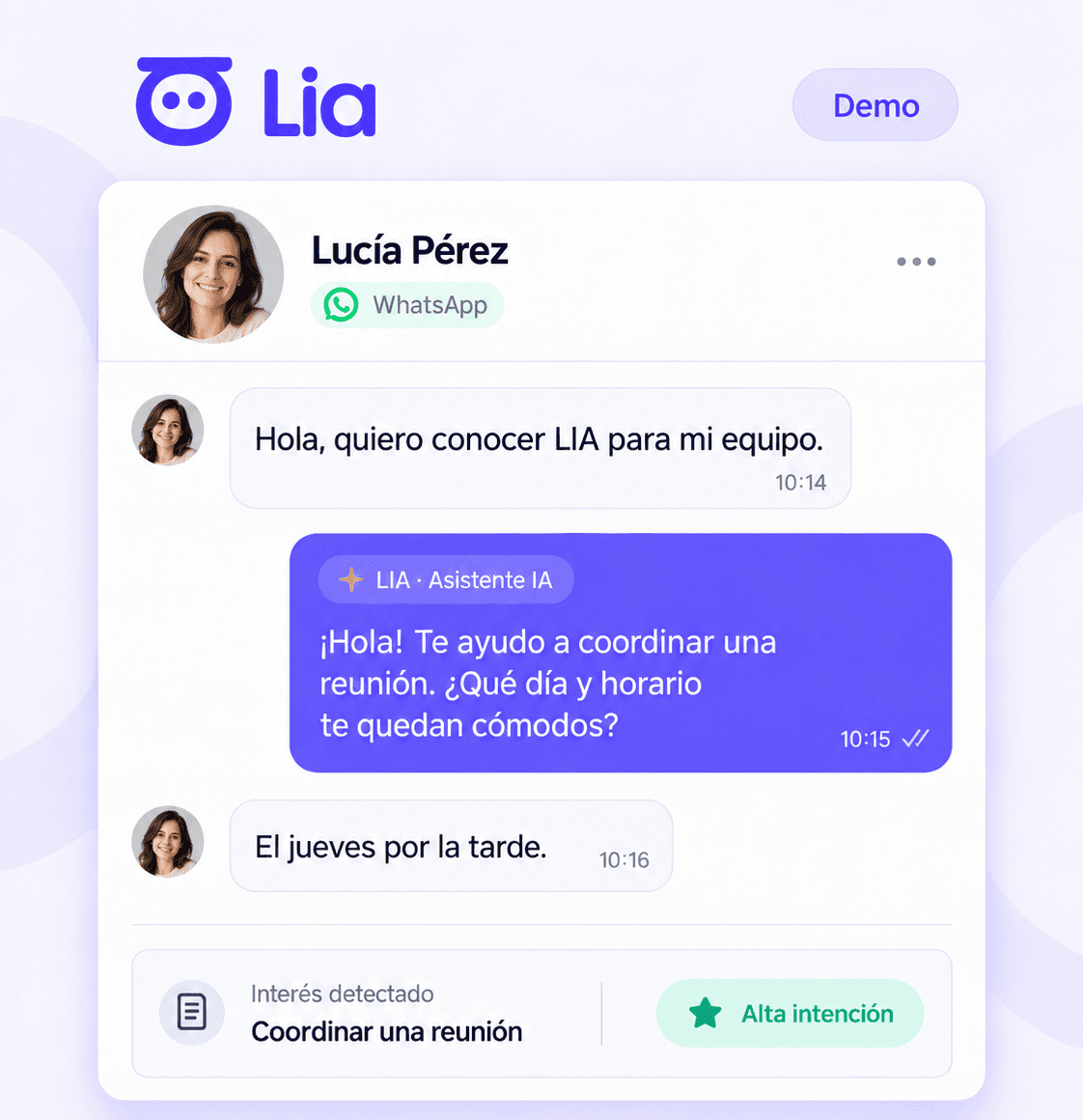
Each sales rep's calendar, next to their leads
LIA reads the meetings in each sales rep's Google Calendar and shows them next to the lead they're with.
Alert before every meeting with a lead
LIA alerts the sales rep before a scheduled meeting with a lead, with the conversation and the qualification at hand.
Meetings by sales rep in the reports
Meetings with leads count in the manager's dashboard and in the reports by sales rep, alongside chats and calls.
Meetings scheduled from LIA
When a meeting is coordinated with a lead, LIA schedules it in the sales rep's Google Calendar and keeps it linked to that lead.
How it connects
Each sales rep connects their own Google account, with their permission.
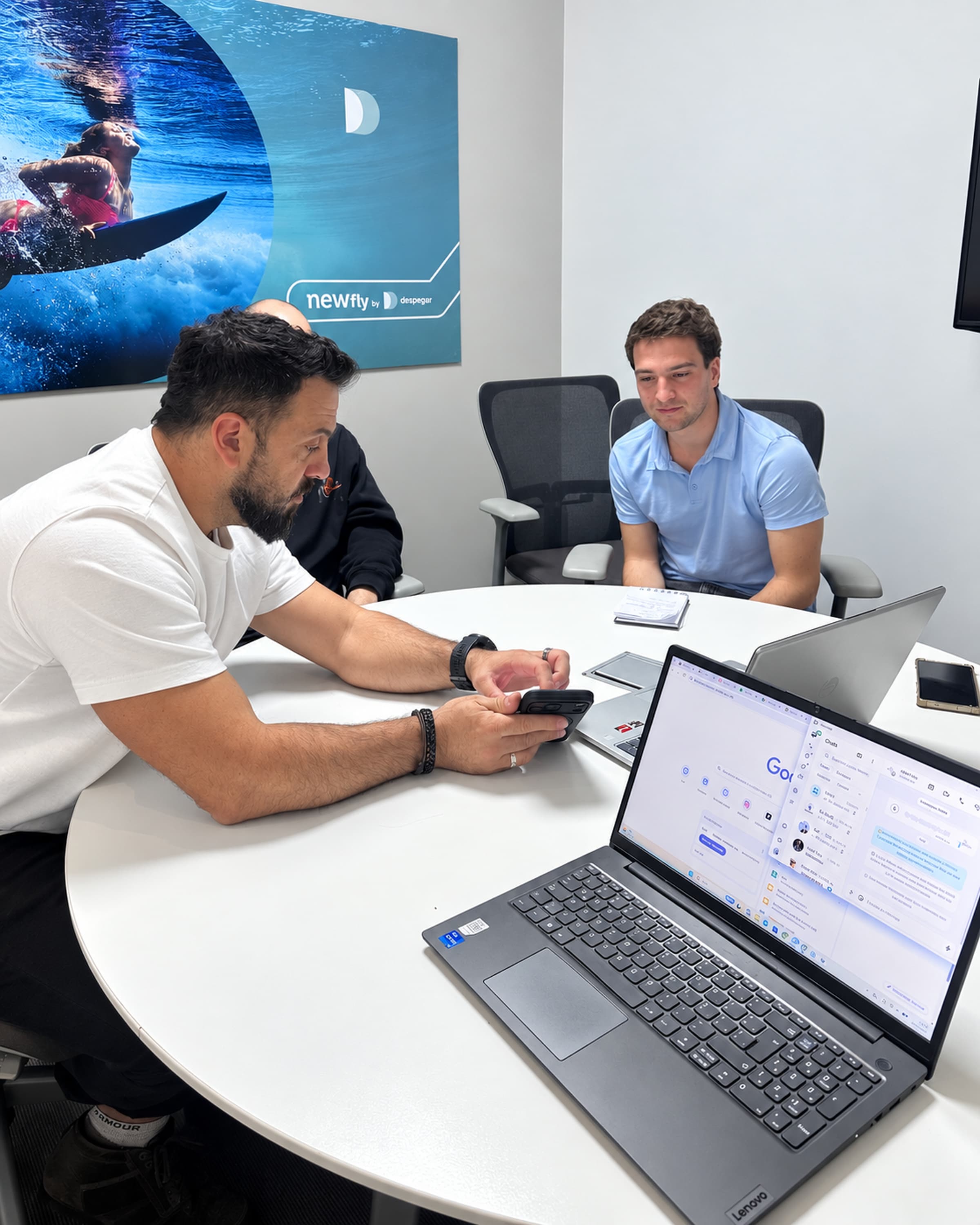
Each sales rep connects their Google Calendar
With the sales rep's Google account and the permissions Google asks for when connecting it.
LIA links meetings and leads
Meetings scheduled with a lead are linked to their profile.
Alerts and reports
The sales rep receives the alerts and the manager sees the whole team's meetings in their reports.
- LIA sees the meetings in the Google Calendar that each sales rep connects. Anything scheduled in another calendar doesn't show up.
The use of Google data complies with the Google API Services User Data Policy, including the Limited Use requirements. More detail in the privacy policy.
Other LIA integrations
They all end up in the same lead profile and the same reports by sales rep.
Corporate number through the official API and each sales rep's own number, in one inbox, with qualification, alerts and calls.
What LIA doesInstagram direct messages in the same inbox as WhatsApp, each one as a qualified lead.
What LIA doesFacebook page messages go into the inbox as leads, with an owner and alerts.
What LIA doesWeb chat
Your website chat handled 24/7 by the AI agent, which qualifies and routes to a sales rep.
What LIA doesEmail: Gmail, Outlook and IMAP
Lead emails from Gmail, Outlook or any IMAP mailbox go into the inbox and the lead profile.
What LIA doesMeta lead forms
Every Facebook and Instagram lead form goes into LIA as a lead, with its answers and an assigned sales rep.
What LIA doesPhone calls
Calls from LIA or through the company's phone system: in the lead's history, transcribed and summarized with AI.
What LIA doesGoogle Meet
Meet meetings with a lead are transcribed and summarized on their profile, and add to their qualification.
What LIA doesYour CRM (API and webhooks)
LIA alongside the CRM you already use, via API or webhooks, or as your CRM if you don't have one yet.
What LIA doesFrequently asked questions
Does LIA integrate with Google Calendar?
Yes. Each sales rep connects their Google Calendar and LIA shows their meetings next to the leads, alerts before every meeting, schedules the meetings coordinated with a lead and counts them in the reports by sales rep.
Can LIA schedule meetings with leads?
Yes. When a meeting is coordinated with a lead, LIA schedules it in the sales rep's Google Calendar and keeps it linked to the lead's profile.
What does LIA do with Google Calendar data?
It uses it to show, alert, schedule and report on meetings with leads inside LIA. The use of Google data complies with the Google API Services User Data Policy, including the Limited Use requirements.
We'll show you how it would work with your team
In a demo we set up your company's case and show you what the manager sees and what each sales rep does.